chessophia
Guide
What chessophia can do and how to use it – chapter by chapter.
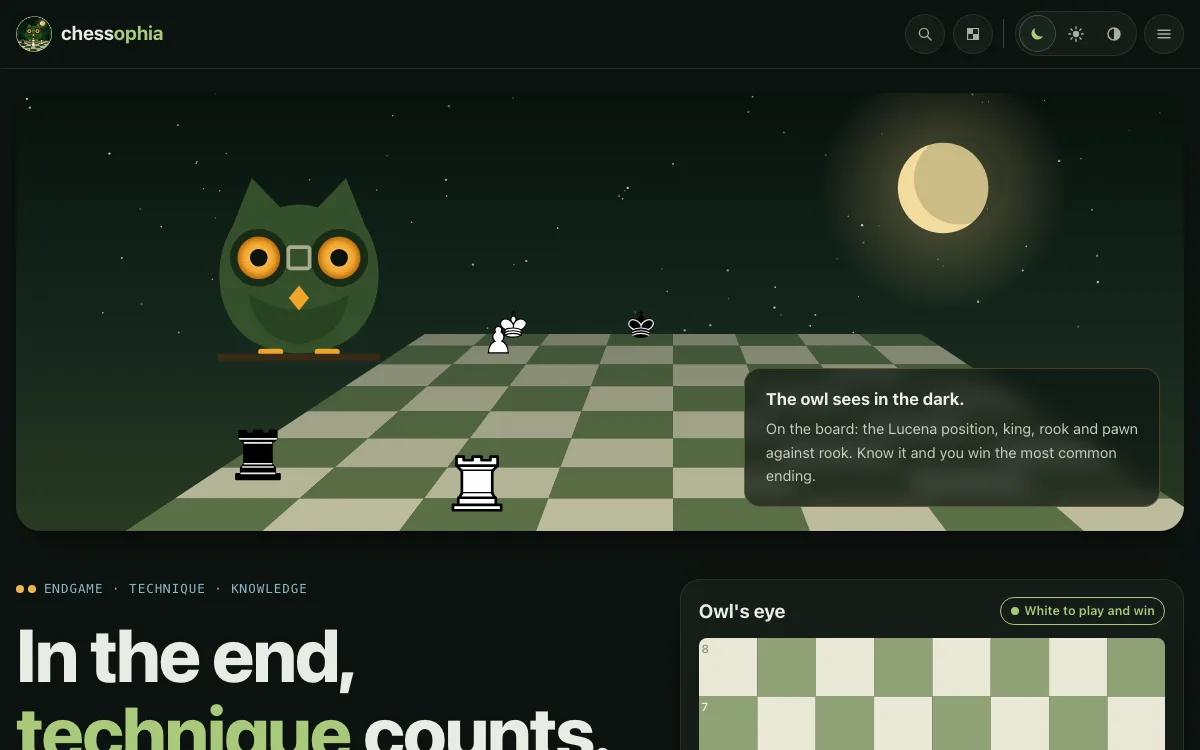
Welcome to chessophia
chessophia is the endgame portal of the chess family: endgames from real games, every verdict from the tablebase.
- The positions come from the games of two large collections – from the classics of the 19th century to today's tournaments. Every game counts once; the numbers are in the statistics.
- With at most five men, chess is solved: the Syzygy tablebase knows the exact result of every position. So you never read “probably” here – won is won.
- No account, no sign-up: what you keep and how far you get stays in your browser only.
- The header puts everything in three areas: learn (lessons, techniques), practice (puzzles, levels) and explore (tree, collections, ECO, openings, statistics). Hover over an item and a menu of its pages opens – under collections all players first.
Solving a position
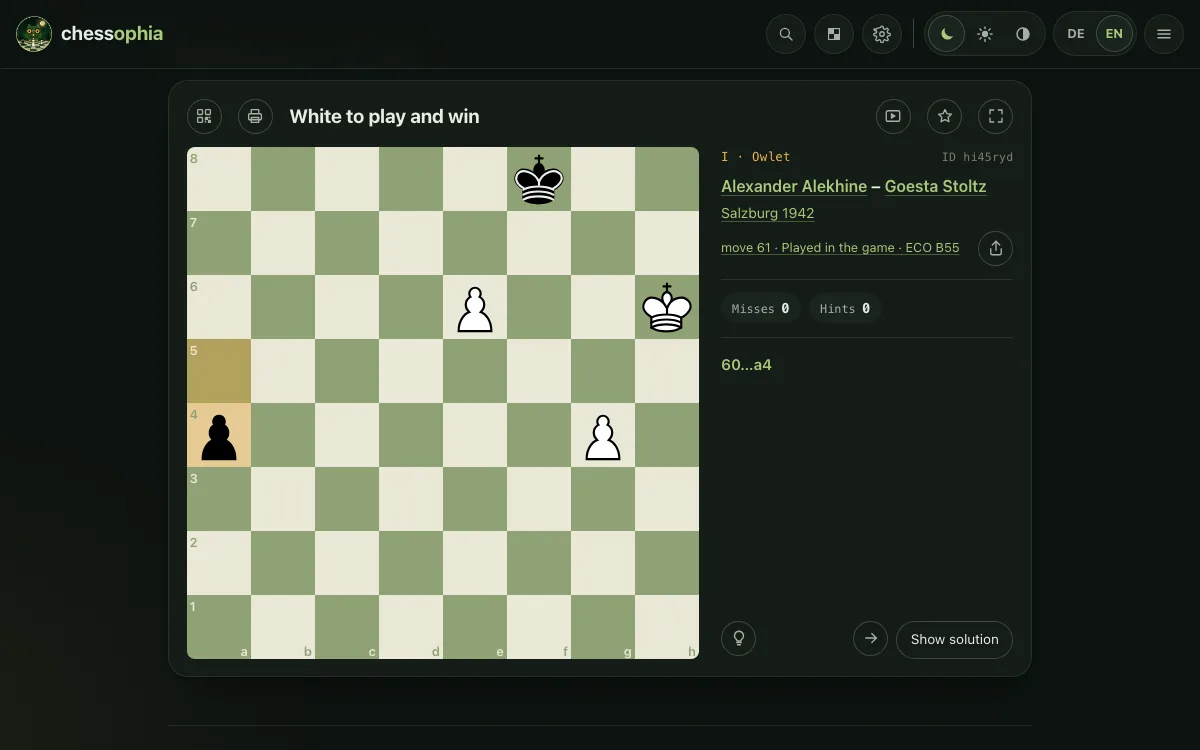
Above the board stands the task: “White to play and win” or “Black to play and draw”. Exactly one move does it.
- Drag a piece with the mouse or your finger – or tap the piece first and then its square.
- Mostly the board first plays the move of the game that led to the position. Then it is your turn.
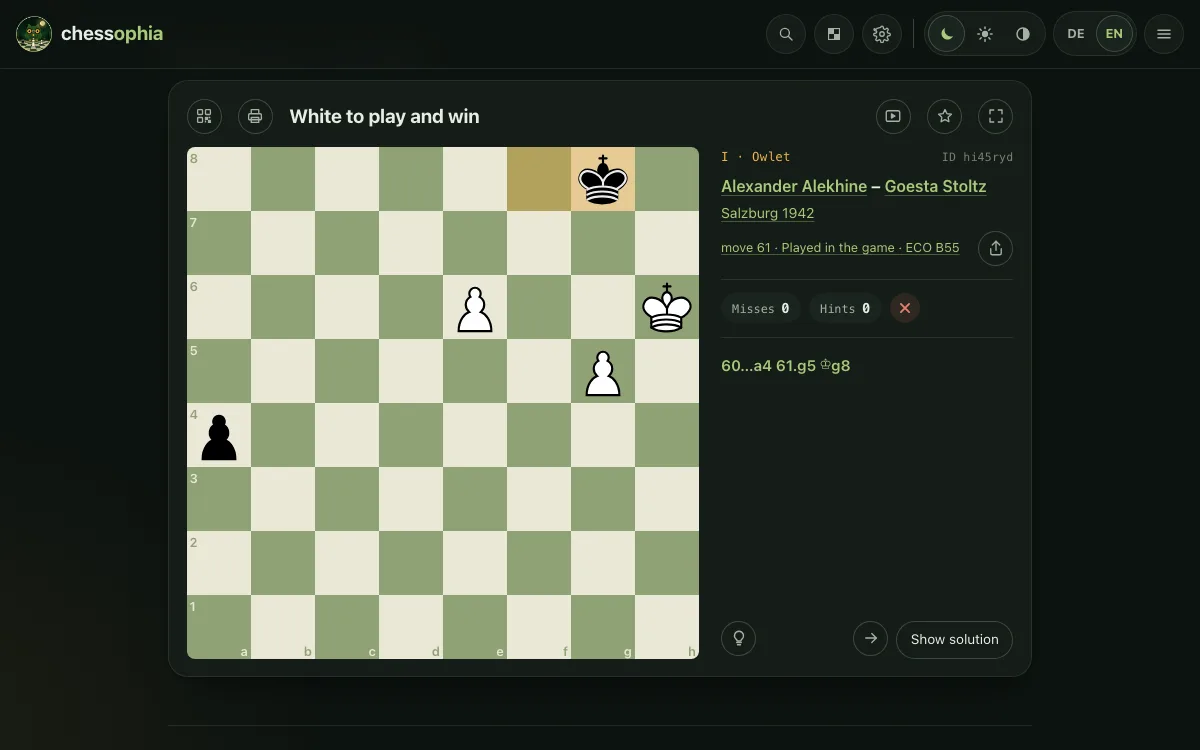
- A wrong move counts as a miss; you try again at once. Beside the board stand your misses and hints.
- The light bulb marks the piece that moves; a second click shows its square. Show solution plays the move.
- After the right move the tablebase plays on – best play of both sides, to mate or a part of the way. The arrows play the solution through.
- Beside the board: who played, where and when, whether the move was found in the game, and a link to the whole game on chesstoteles.
The buttons of the card
Small buttons at the top of the card, below the board the ways to the next position.
- QR opens the code of this position – scan it with your phone or share the link.
- Print puts the position on a sheet: task, board, lines for your solution and a QR code to the answer.
- Video lets the positions solve themselves, one after the other – to watch. Another click stops it.
- The star keeps the position as a favorite. You find all favorites in the settings.
- Focus shows the board in the whole window; the key F switches, Esc ends it.
- The arrow to the left brings back the position before, the one to the right skips one; once solved, go on with Next.
Five levels, special kinds
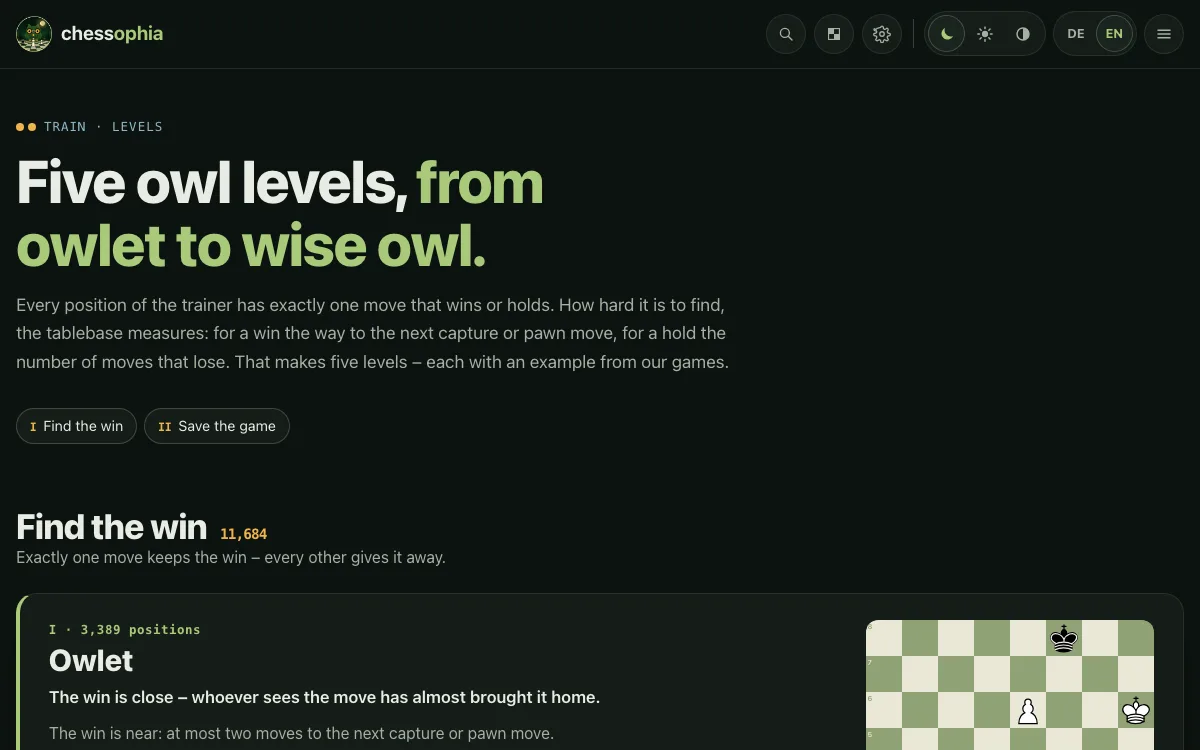
The positions are sorted by goal and level – from owlet to wise owl.
- Find the win: exactly one move keeps the win. Save the game: exactly one move holds the draw.
- The tablebase measures the level: for a win the way to the next capture or pawn move, for a hold the number of moves that lose.
- The quiet move gathers the positions in which a piece moves quietly – no check, no capture. The king move those in which only the king helps.
- Every level, endgame family, player and opening has a page of its own; the choice stands below every card.
The five owl levels explained → The quiet move → The king move →
Where did it turn?
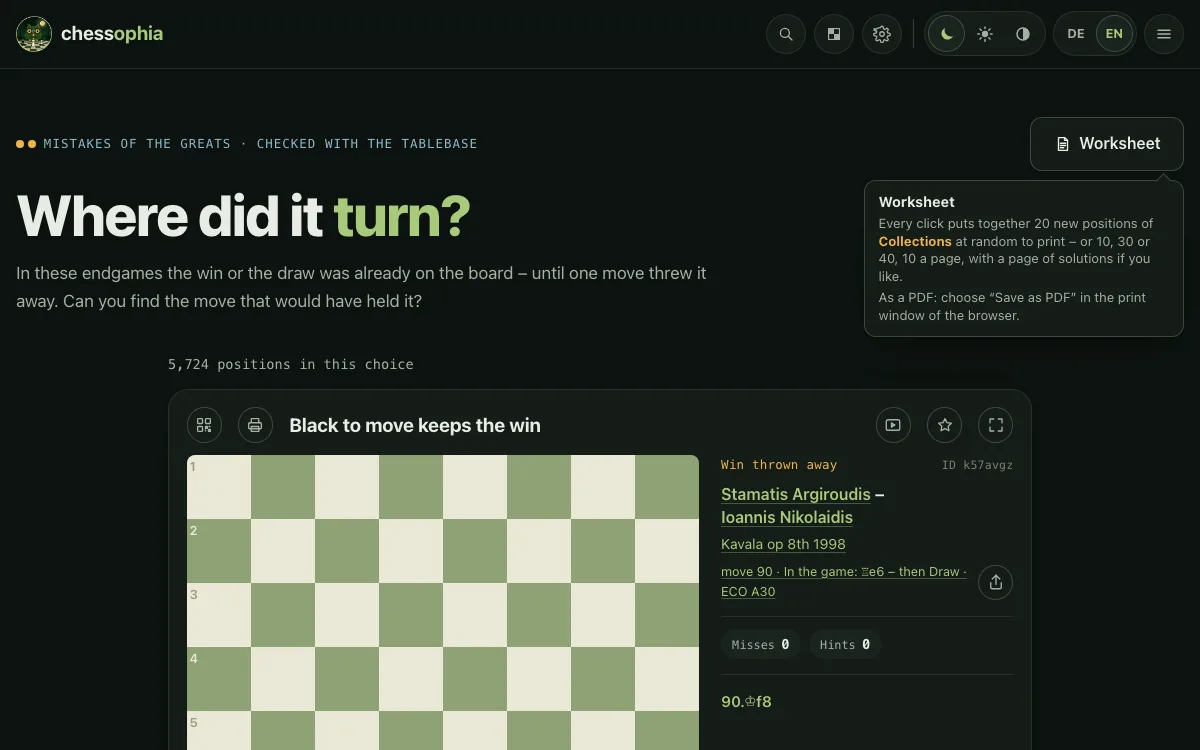
Positions in which a win or a draw was already on the board – until a move threw it away.
- Here every move that keeps the result counts as right – often there are several.
- The missed win and the missed save have a page each.
- Beside the board stands what was played in the game and what stood on the board afterwards.
- Déjà vu shows positions that came back in several games: who found the only move and who did not.
- All these pages, and Why resign? as well, are under Collections.
- In the master endgames you play through famous endgames of great players move by move, with the value of each position.
Where did it turn? → Seen it before: the same position in several games → Collections → Master endgames →
Learning: lessons, tree, openings
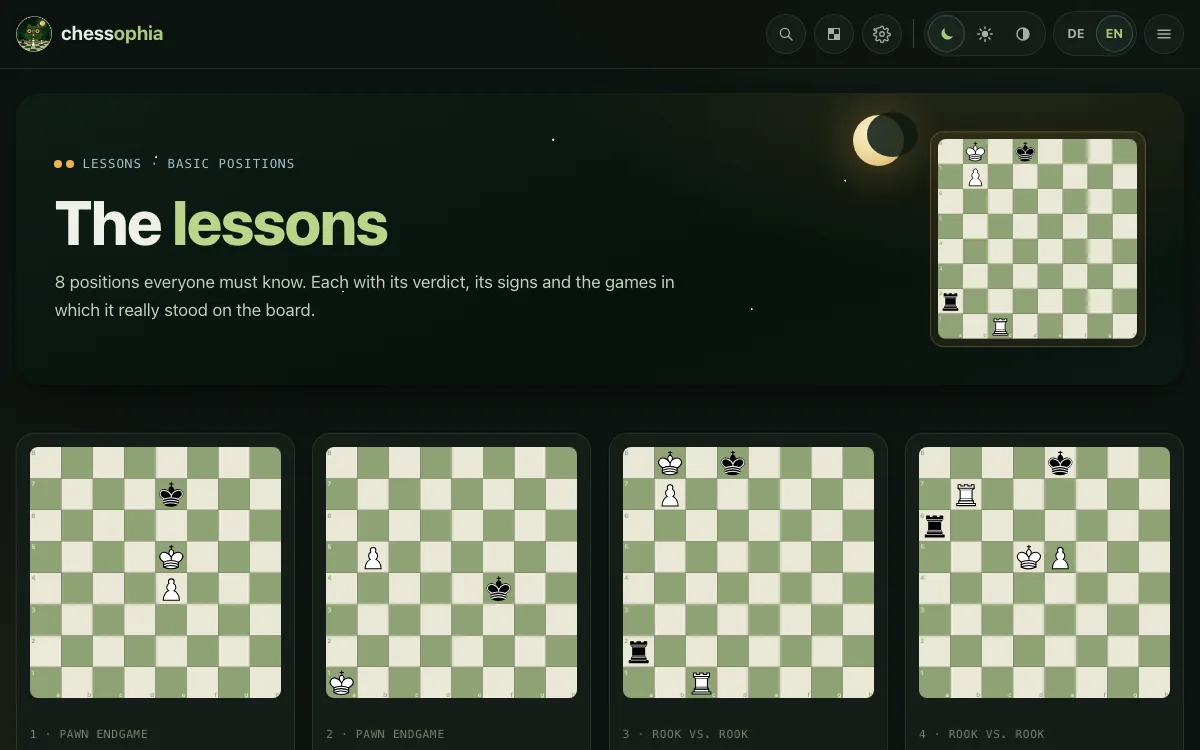
Besides practice, the knowledge: the basic positions and where the games lead.
- Lessons: the basic positions of the endgame – Lucena, Philidor, opposition, the rule of the square and more –, each explained at the board.
- The endgame tree sorts all endgames by family and material, with their results.
- ECO and Openings show which endgames arise from which opening – by ECO code or by name.
- Every page leads to its positions in the trainer.
- Techniques: the tools of the endgame – opposition, shouldering, triangulation and more –, each explained and with positions from real games in the trainer.
Lessons → Endgame tree → ECO codes → Openings → The techniques →
Players and the Big 4
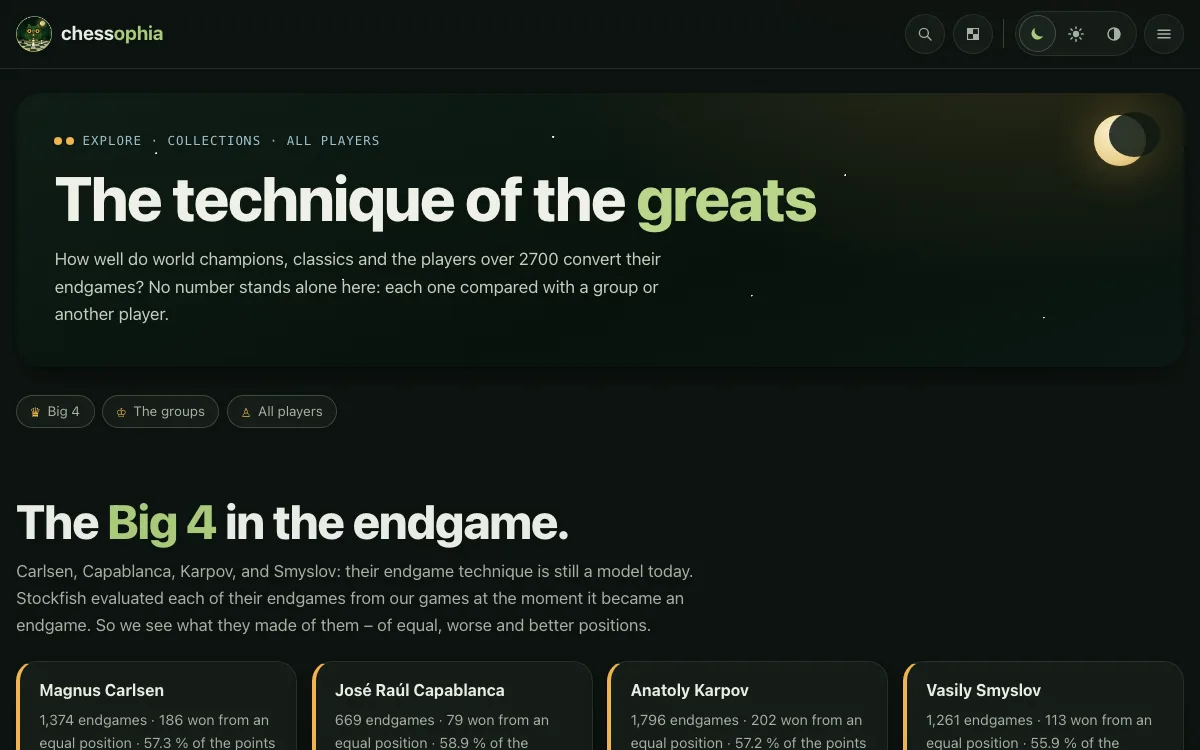
How the greats did in the endgame – compared with their group.
- Every player has a page: the points per endgame family against the average of the world champions, classics or 2700 players – and against any other player.
- Big 4: the endgames of great players, each evaluated by Stockfish at its start – what became of equal, worse and better ones.
- Each of them has a page of his own with the value of Stockfish – and the comparison with his group; to be found through “All players” under collections.
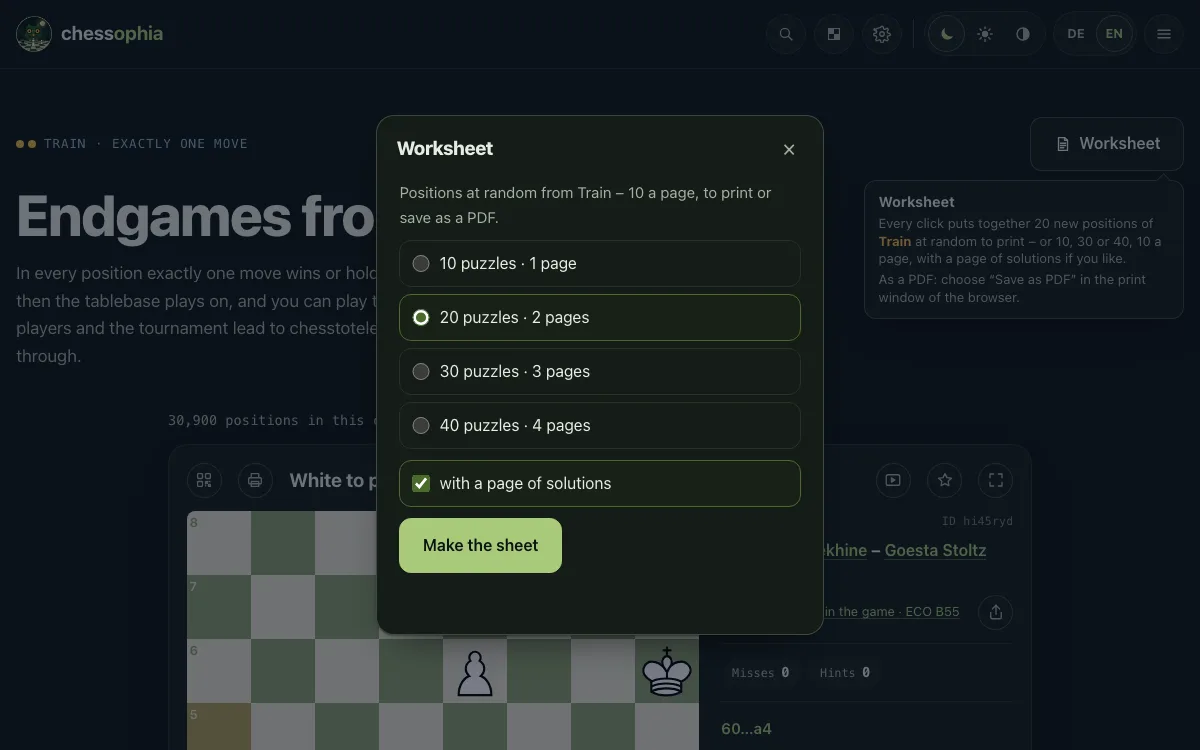
Worksheet
At the top right of every trainer page, of the pages Puzzles, Levels, Techniques, ECO and Openings and of every page of the collections: a sheet of positions to print or save as a PDF.
- Choose 10, 20, 30 or 40 positions – at random from the page you are on, 10 on a sheet.
- If you like, a page of solutions comes with it, with the moves of the tablebase – for the master endgames the moves of the game.
- Every position has a QR code: scanned, it opens the position on its page.
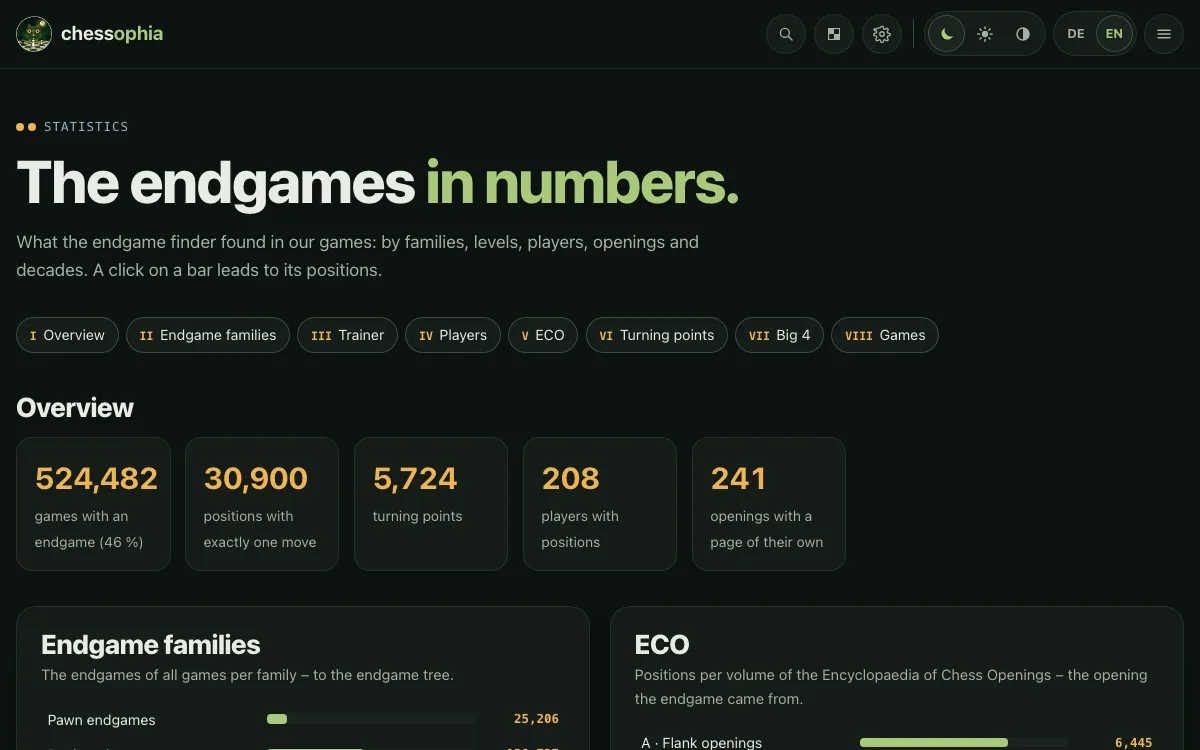
Numbers and sources
No number is estimated or set by hand.
- The statistics show all endgames and positions per family, level, player, opening and decade – every bar leads to its positions.
- The page Database tells where the games come from and when a game counts as an endgame.
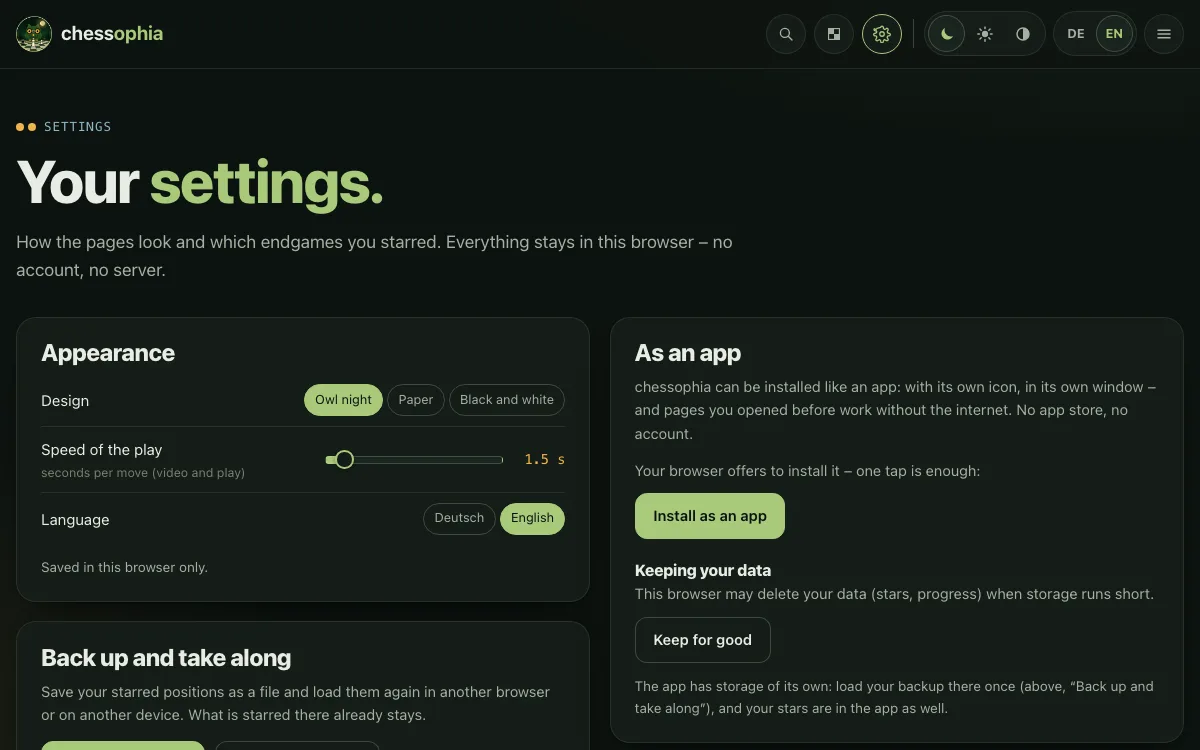
Settings and favorites
The gear at the top right leads to the settings.
- Design (owl night, paper, black and white), the speed of the play and the language.
- Your favorites with their boards – to solve again, print or remove.
- Back up and take along: as a file or by link and QR code to another device.
- chessophia can be installed as an app – with its own icon, and pages you visited work without the internet.
- Use offline: keeps every page, the analysis board and some of the positions on your device – then chessophia works without internet too.
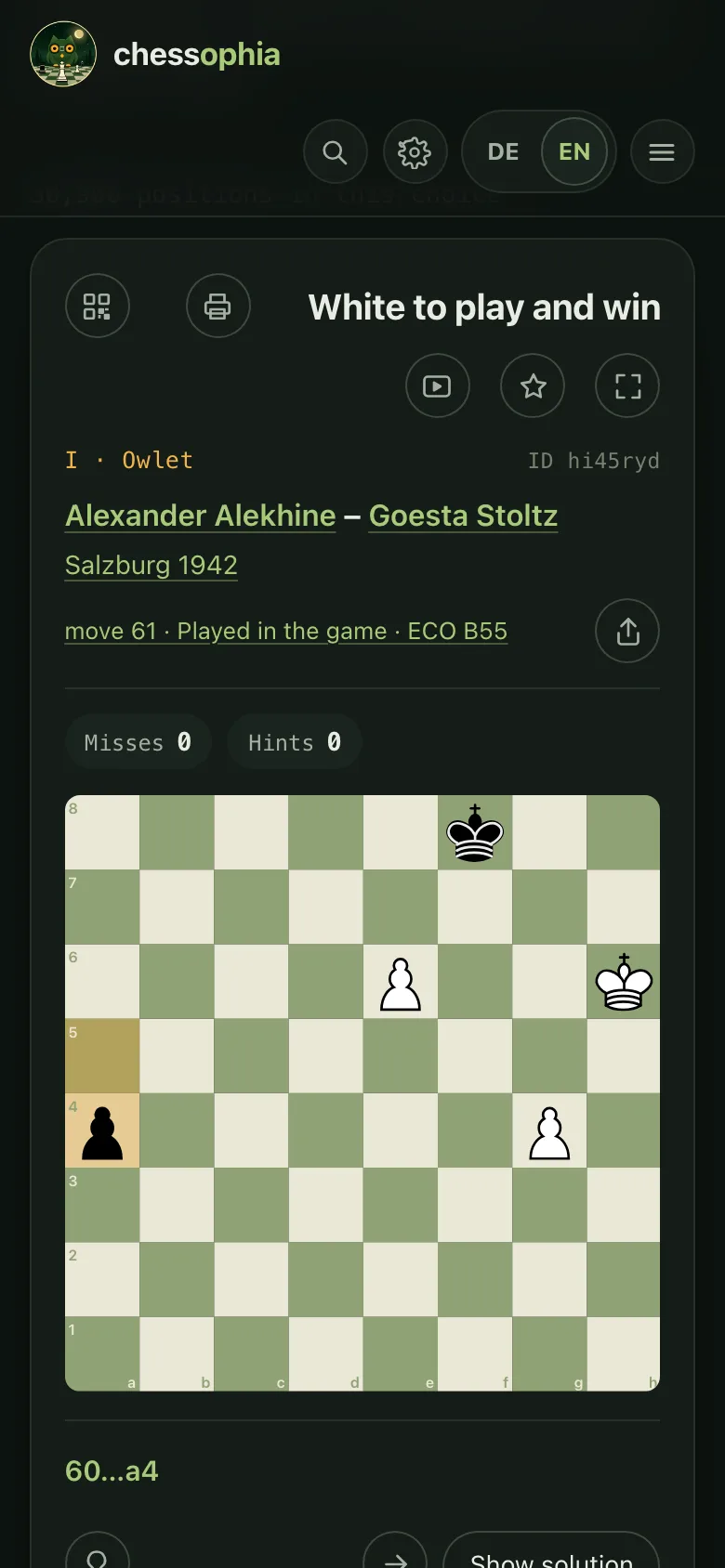
On a phone
chessophia fits the screen.
- The menu at the top right opens all pages as tiles, below them design and language.
- You move with your finger: tap the piece, then its square – or drag it.
- The QR code takes a position from the computer to the phone and back.
Enjoy!
That is all. You find the guide any time at the foot of the page.
- Best start in the trainer – with the owlet.